Free Streamer.bot overlays
OBS browser sources wired to Streamer.bot. Built for Twitch chat, alerts, and live streams, not demo screenshots.
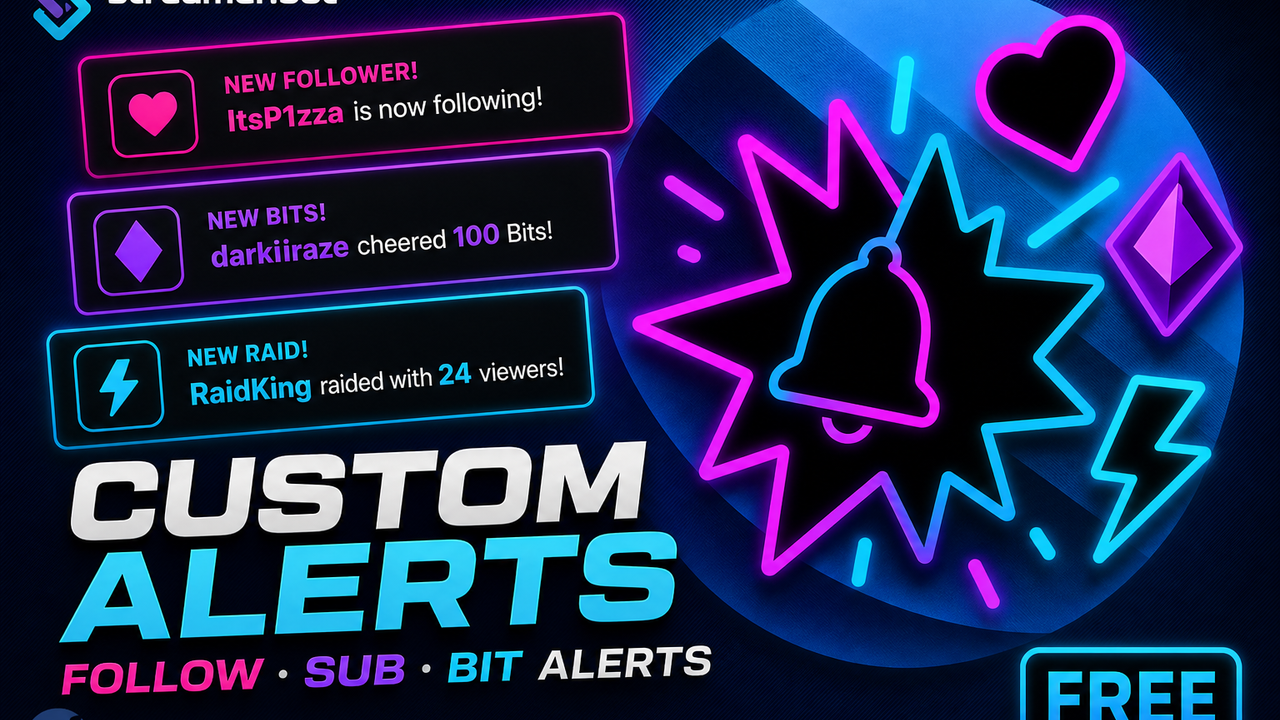
Custom Follow, Sub & Bit Alerts
Mix-and-match OBS alerts for follows, subs, bits, raids, and tips — live Apply from settings.
Thirty visual styles, entry and exit motion, particle FX, custom GIF icons, and built-in sounds. Tune each alert type in settings, hit Apply, and OBS updates through Streamer.bot. Includes the Streamer.bot import, Local File overlay, and a settings page.
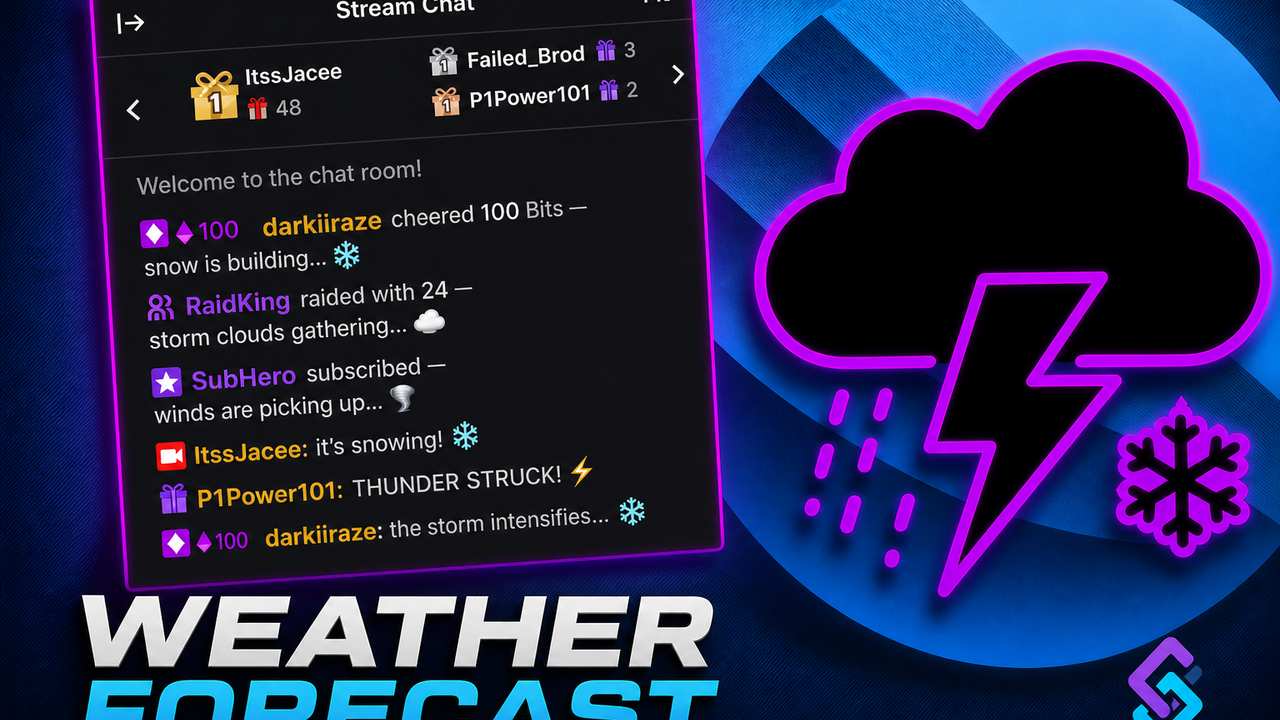
Weather Forecast Chat
OBS weather that reacts to chat speed, bits, subs, follows, and raids.
Put it in OBS and the sky shifts with how loud chat is. Bits pile up snow, subs spin up a tornado, follows bring sun, raids throw lightning. If two storms hit at once they combine. Comes with a Streamer.bot import, a settings page, event chat lines, and emote rain.
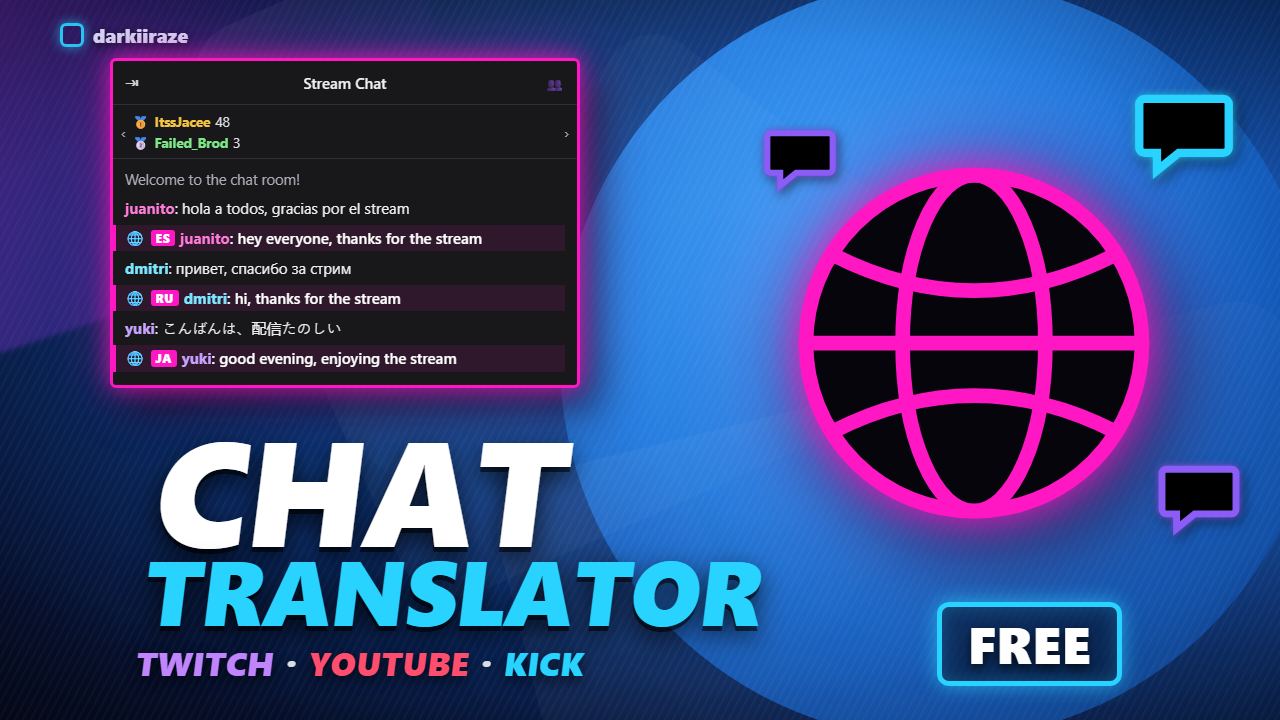
Chat Translator
Auto-translates chat into your language, and stays quiet the rest of the time.
Someone types in Spanish and your bot posts the English a second later. Detects the language per message, so viewers never type a command. Twelve filters sit in front of the translation so emotes, links and one-word reactions never get translated, which is the part every other chat translator gets wrong. Three providers: Google with no signup, DeepL on the free tier, or self-hosted LibreTranslate. Includes the Streamer.bot import and all the C# source.
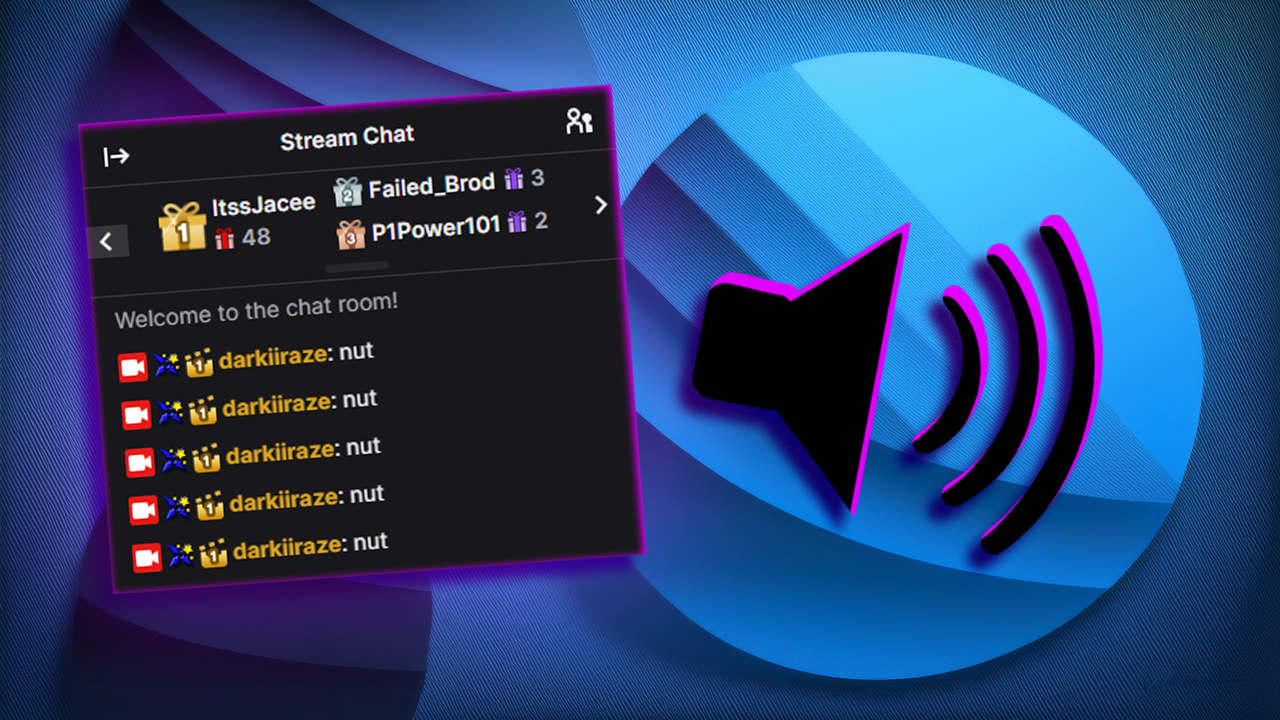
Chat to Text to Speech
Turn any Streamer.bot action into text to speech.
Hook TTS to chat, alerts, Stream Deck presses, whatever you throw at Streamer.bot.
Streamer.bot overlay FAQ
- What is a Streamer.bot overlay?
- A Streamer.bot overlay is usually an OBS browser source that listens to Streamer.bot over WebSocket. Chat, bits, subs, follows, and raids can drive what you see on stream.
- Do these Streamer.bot overlays work with OBS?
- Yes. Add a Browser Source, paste the overlay URL from settings, set 1920x1080, and turn on a transparent background.
- Are darkiiraze Streamer.bot overlays free?
- Yes. Downloads are free on Ko-fi. Tips are optional if a pack helps your stream.
- Do I need Streamer.bot for the weather overlay?
- Yes. Import the included Streamer.bot package, enable the WebSocket server on port 8080, then copy the OBS URL from settings.html.